Administrator Communications
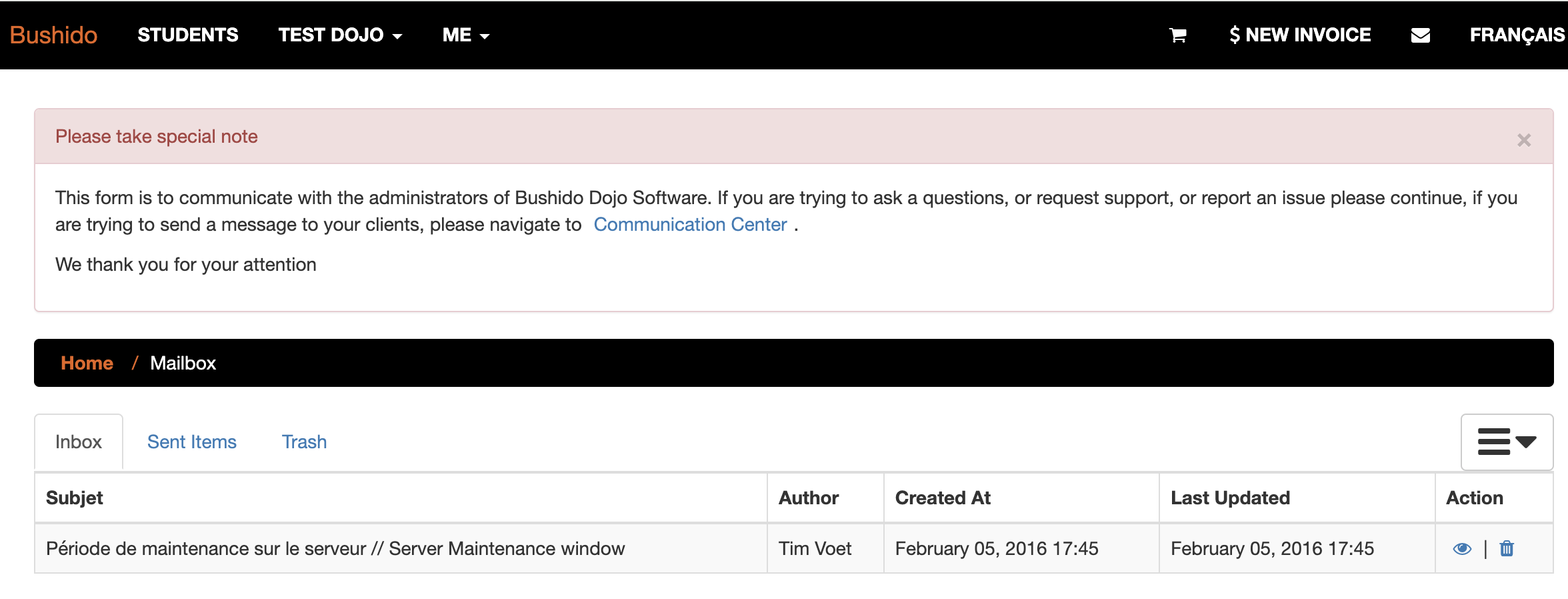
You will sometimes see the following alert at the top of the page. This is when the administrators have sent you a notice. This could be a possible bug, an upcoming outtage, or potentially other important information for you to be aware of.
The messaging system does not supporting uploading images, should you need to send a message, or if the administrators need to send you an email with an image, they will do so by sending you an email. Please follow that recommended approach
Viewing your Communications
If the administrator has sent you a message, a notice will popup at the top of your browsing experience, until you mark the message as read. The notice looks like the image below

Messages Inbox
The inbox can be viewed at any time by clicking the envelope in the main navigation bar. If the envelope is orange, you have an un-read/un-acknowledged alert, if it is white, your all caught up.
Message Thread
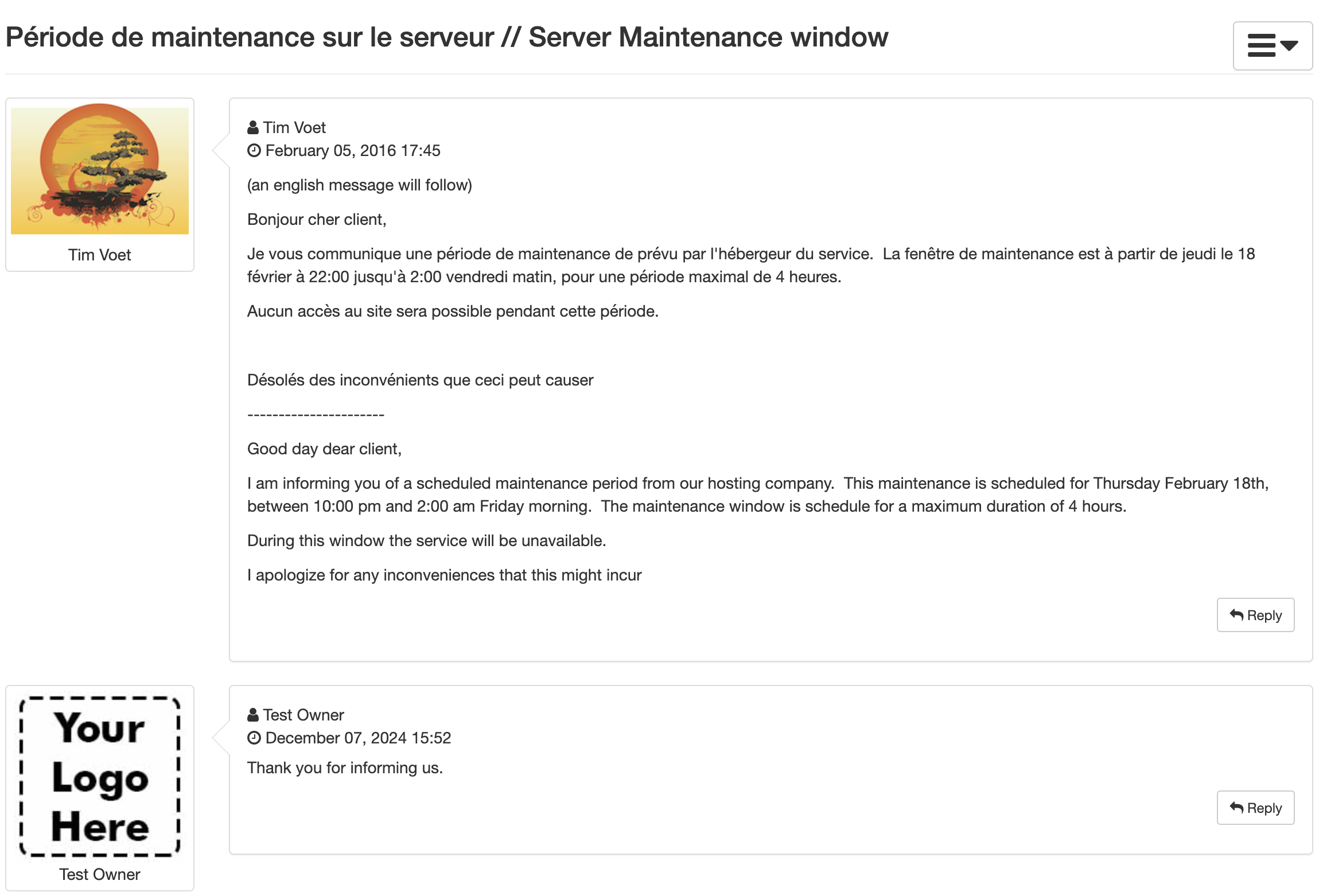
You and the Bushido administrators can exchange messages, all messages are will appear, with the person information appearing on the left.