Home
The home page, also referred to as the dashboard is your home page for daily operations of your dojo, and the best way to navigate your day throughout Bushido Dojo Software.
This page is completely configurable through the settings menu. You can change the order and presence of each of the tiles displayed on the dashboard.
The presence of the various tiles include the required permissions of a given user, though the order displayed is configured at the Dojo level, not the indivual user.
The panels
Today's Schedule
In it's simplest explanation, it's the classes scheduled for today. It will show the list of classes, with a link to be able to take the attendances of that class. They are sorted by start time.
The link shows the name of the discipline, the name of the group as a clickable link. The time is shown in what will be refered to as a "pill".
Clicking on the title will bring you to the Calendar page for the current week. Clicking on a specific class will take you to that particular class to take attendance.
Private Classes
This is the list of private classes scheduled for the day. Sorted by start time.
The link will show "Private Class", and the start time in a pill. However if you hover over the class name with a mouse, it will show the details, including the student and instructor.
Clicking on a specific class will take you to that particular class to confirm the student is there.
Payable Invoices
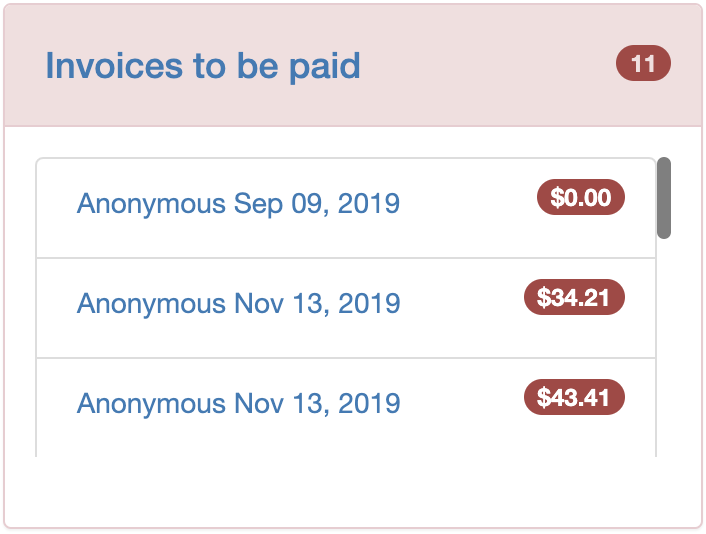
This is the list of outstanding invoices that are either not paid, or partially paid.
The link will display the student name and the date of the invoice. The amount owed will be displayed in a pill in red.
Clicking on the title will bring you to the invoice listing page for all non-paid or pending invoices.
Up for Renewal
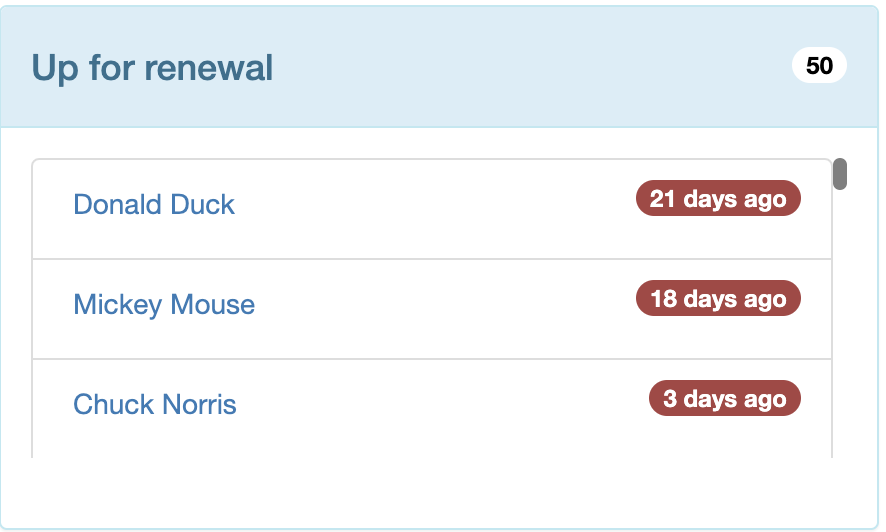
This is the list of contracts that are still in the active status, that have their end date on or before the customatizable contract renewal day found in the Dojo Configuration area.
The link shows the student name, as a clickable link to the contract tab of the student. When the contract was due, or is due to renew shows in a red pill next to the link.
Upcoming Birthdays
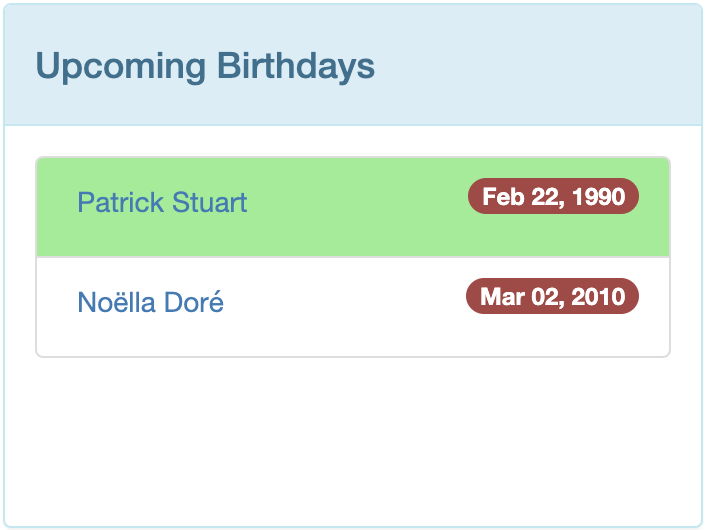
This lists the upcoming birthdays in the next 30 days. Someone who has their birthday on the current day, will be highlighted in green.
Clicking on the student's name, will take you to their profile.
Due for next Belt
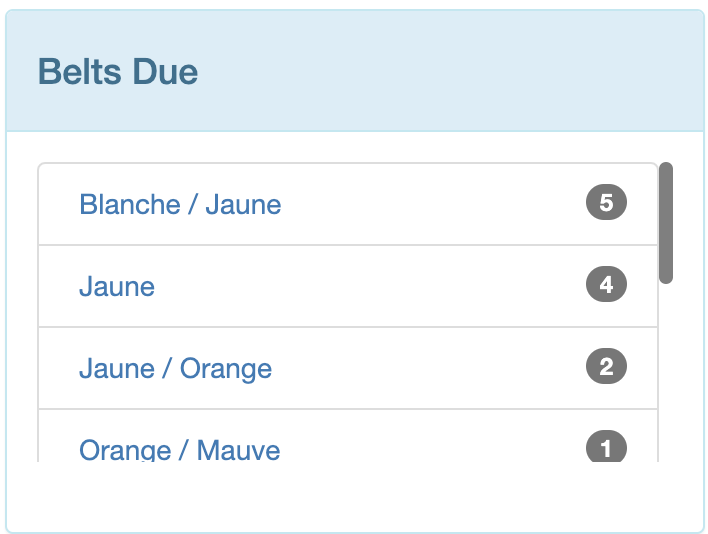
This shows the number of students whose "next belt" is the same, and they are within the "range" of classes identifying them as "ready for the exam". The number of classes is configurable in the Dojo Configuration. The objective is to keep dojo owners informed when students have reached the required number of classes.
The clickable link brings you to the Exam page page. The number of students who are identified as potentially ready for the exam are shown in the pill area.
Need to speak with

This lists students who have content entered into the "Note field" in their profile. Notes are a means to having that students file surface for you to interact with them. This could be a missed payment, a piece of ordered equipement arrived, etc.
The student name shows as a clickable link, taking you to the profile of the student.
Low Inventory
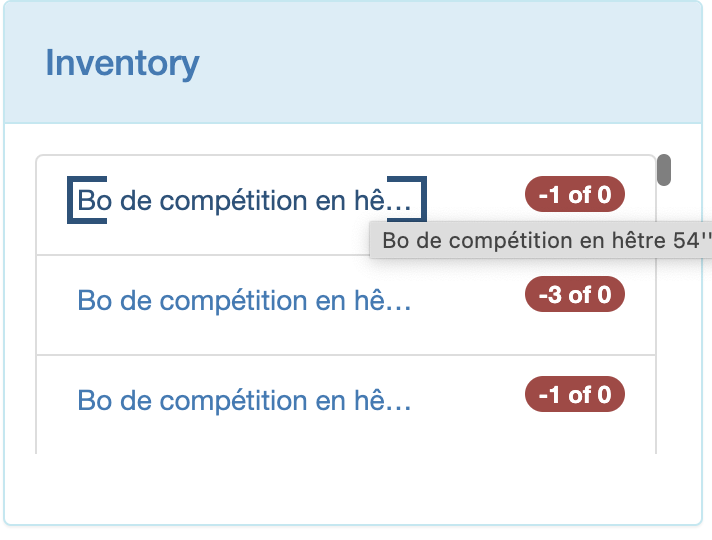
The list of products shown here are those whose current inventory is below the threshold quantity in the products listing. This panel is only really useful if you manage an inventory for your dojo of products. If you only ever order just in time and never keep any inventory, this panel is not really of much use.
Clicking on the product will bring you to the product page. The current quantity vs threshold quantities are shown in a pill like display. Clicking on the title will bring you to the restock report, a listing of all products to order and how many to meet the threshold quantity.
Hovering over the product name will show the entire name of the product in case it was truncated due to length.
Scheduled Exams
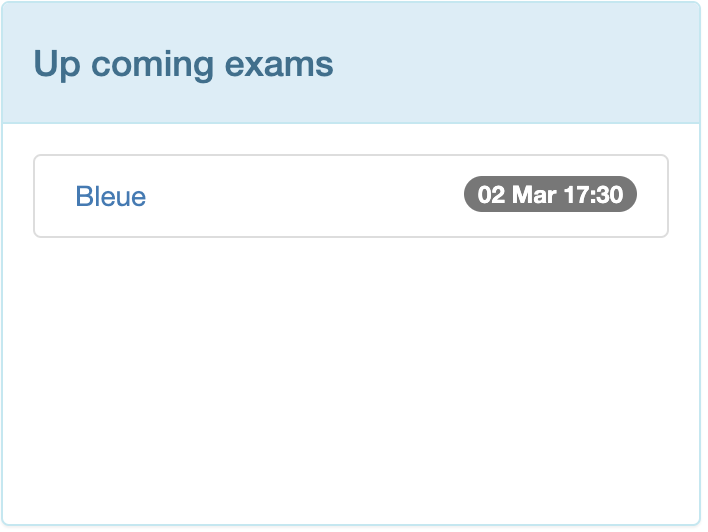
This panel lists the upcoming exams that are scheduled, showing the belt for which the exam is for. The date and time are listed in the gray pill on the right.
Clicking on the link will bring you to the details of the exam.
Items in your cart
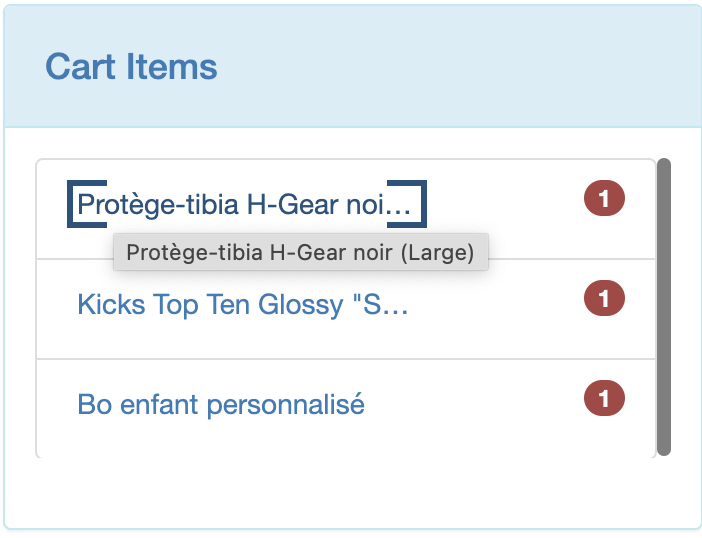
The notion of a cart is explained here. This panel shows what items are in your cart to order, and how many to order.
The list of products are listed with the quantity to order. Clicking on a product name will take you to the product page.
You can hover of the product name to see the full name if it was truncated due to length.
Email Statistics
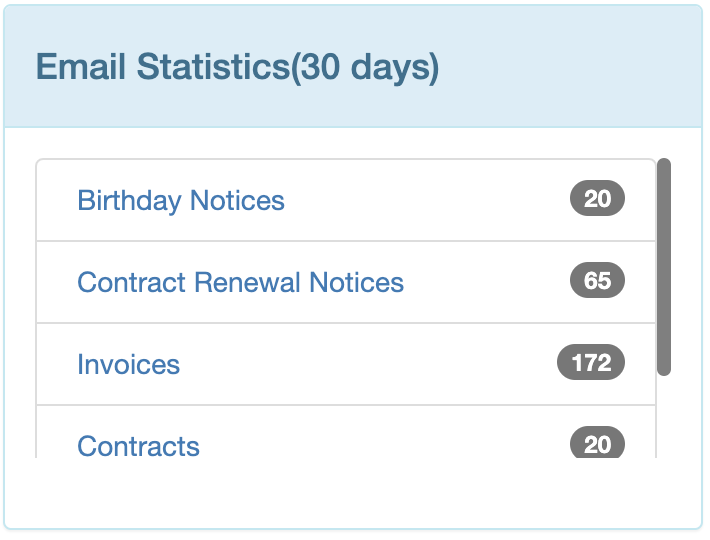
The email statistics panel is an optional one that can be used to see how many emails you actually are sending out "automatically" from your Dojo to students.
If this feature is enabled for your dojo, you can click on the email name, and see what emails have been sent to which students.
Expiring Credit Cards
This panel is associated with a legacy feature that is likely to be removed as Bushido moves to support online credit card payments. This is a legacy feature, and not suggested to be used going forward.
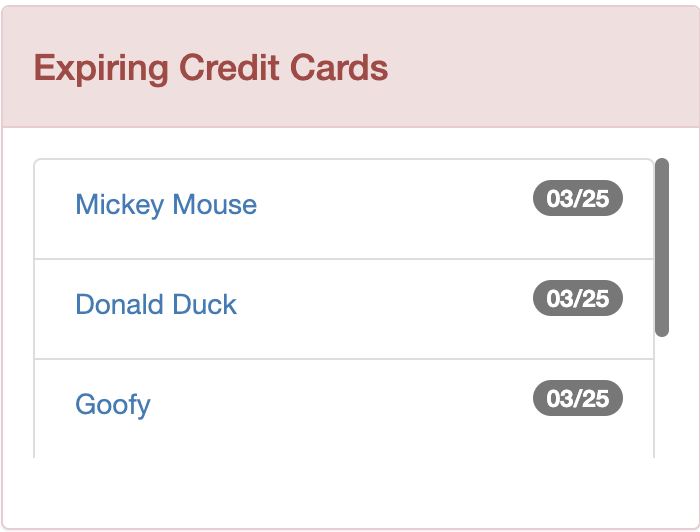
It shows the list of credit cards whose expiry date is coming up soon.
The name of the student is dispayed, and the expiration date is shown in the pill display. Clicking on the student name will bring you to the student file.
Students Without Active Contracts
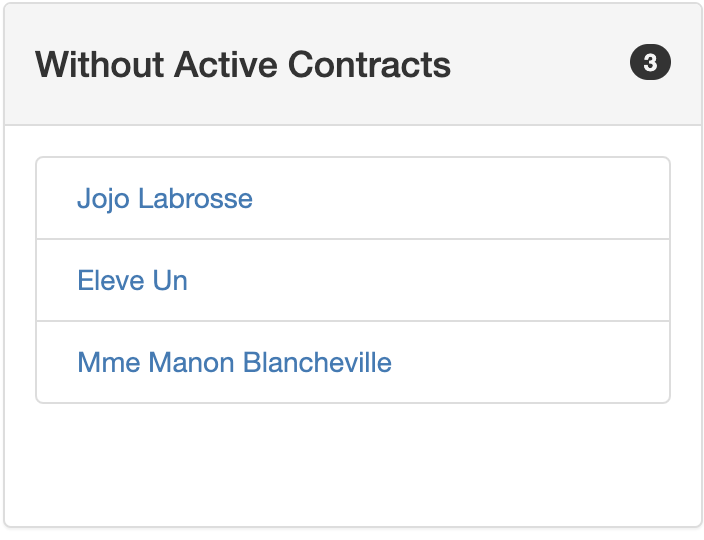
This panel shows a list of students are in the active status, but do not have an active contract associated with them. This can help you identify students whose contract was archived but they have not yet renewed their membership with you.